

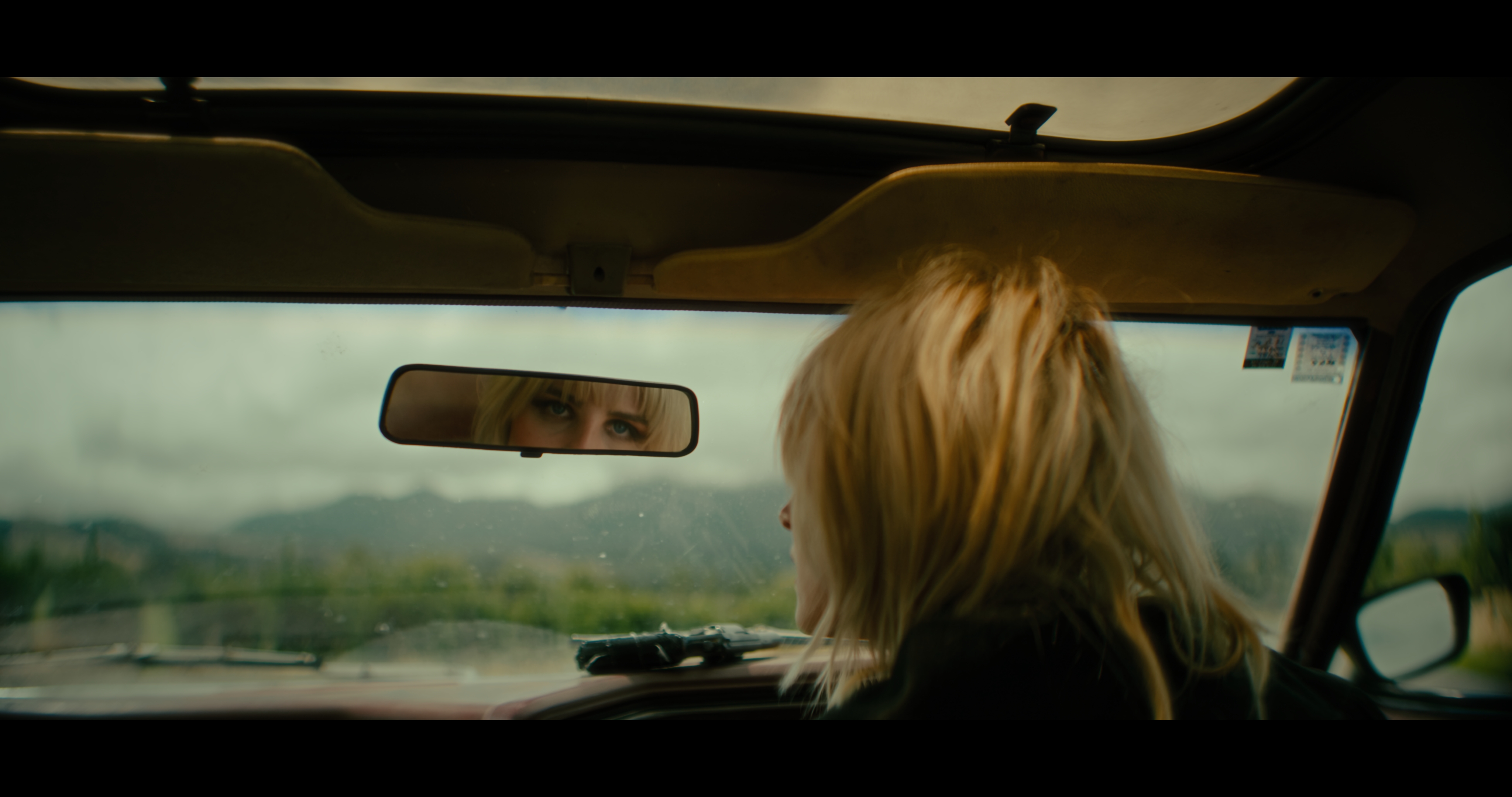
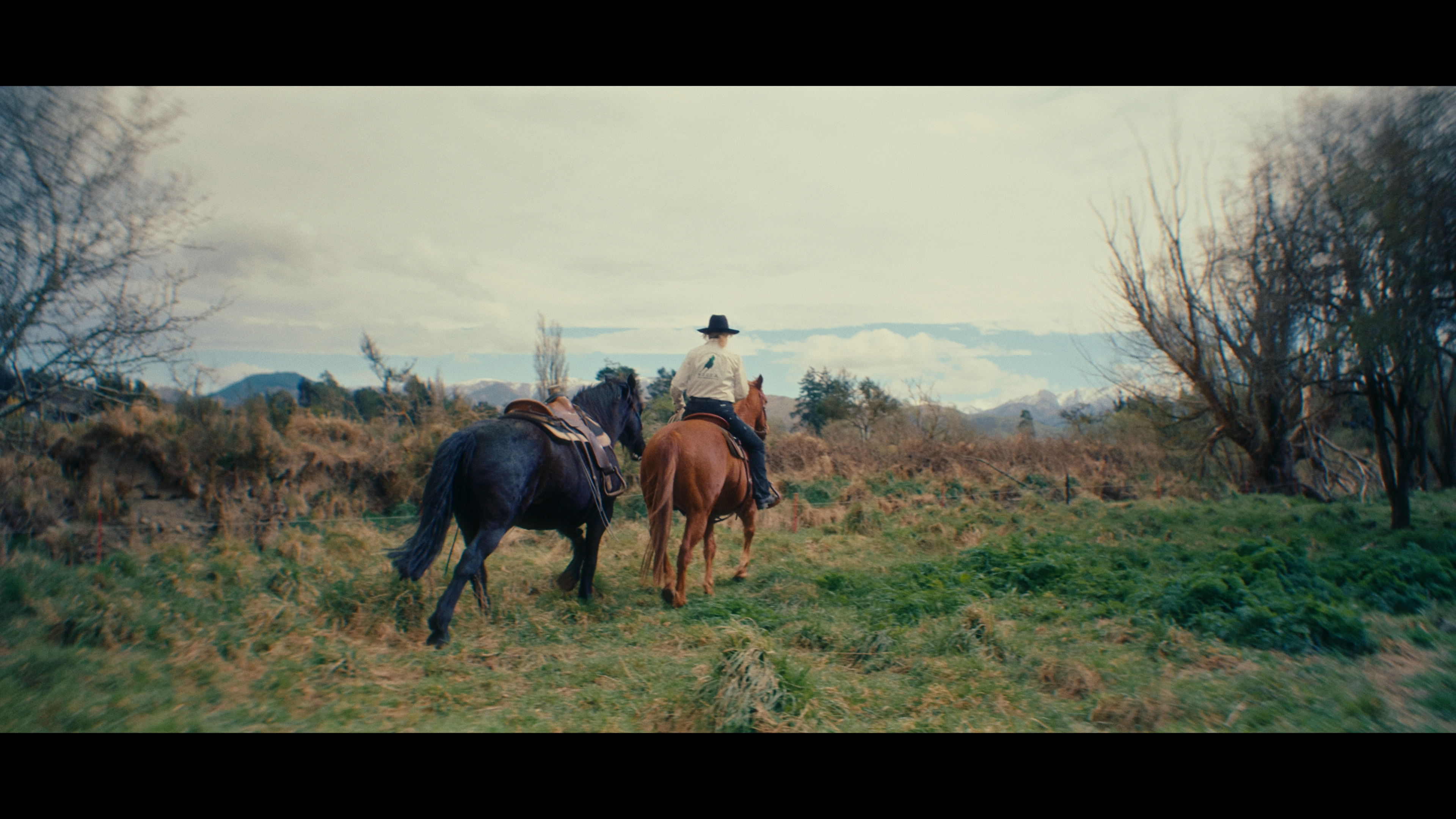
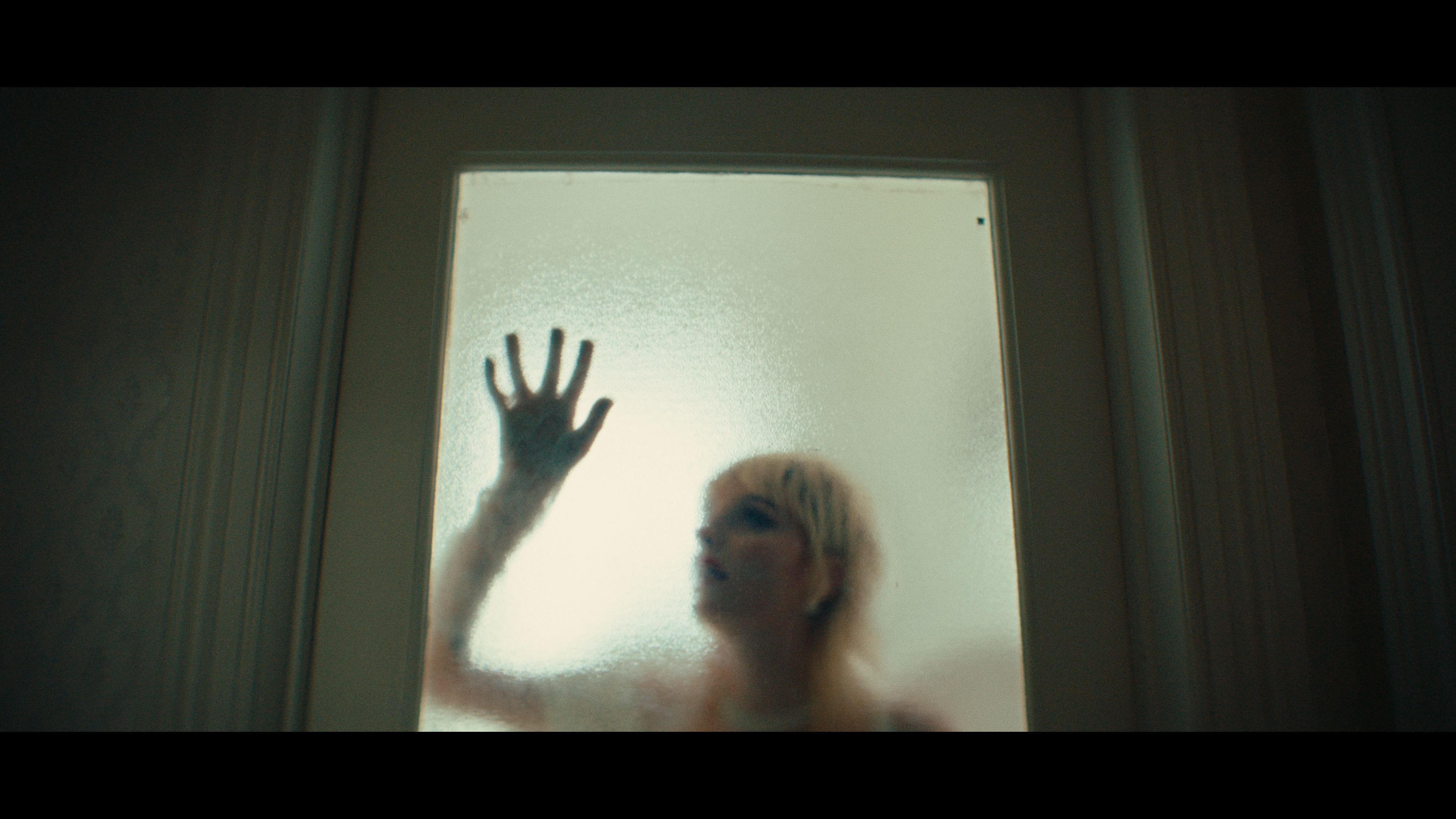
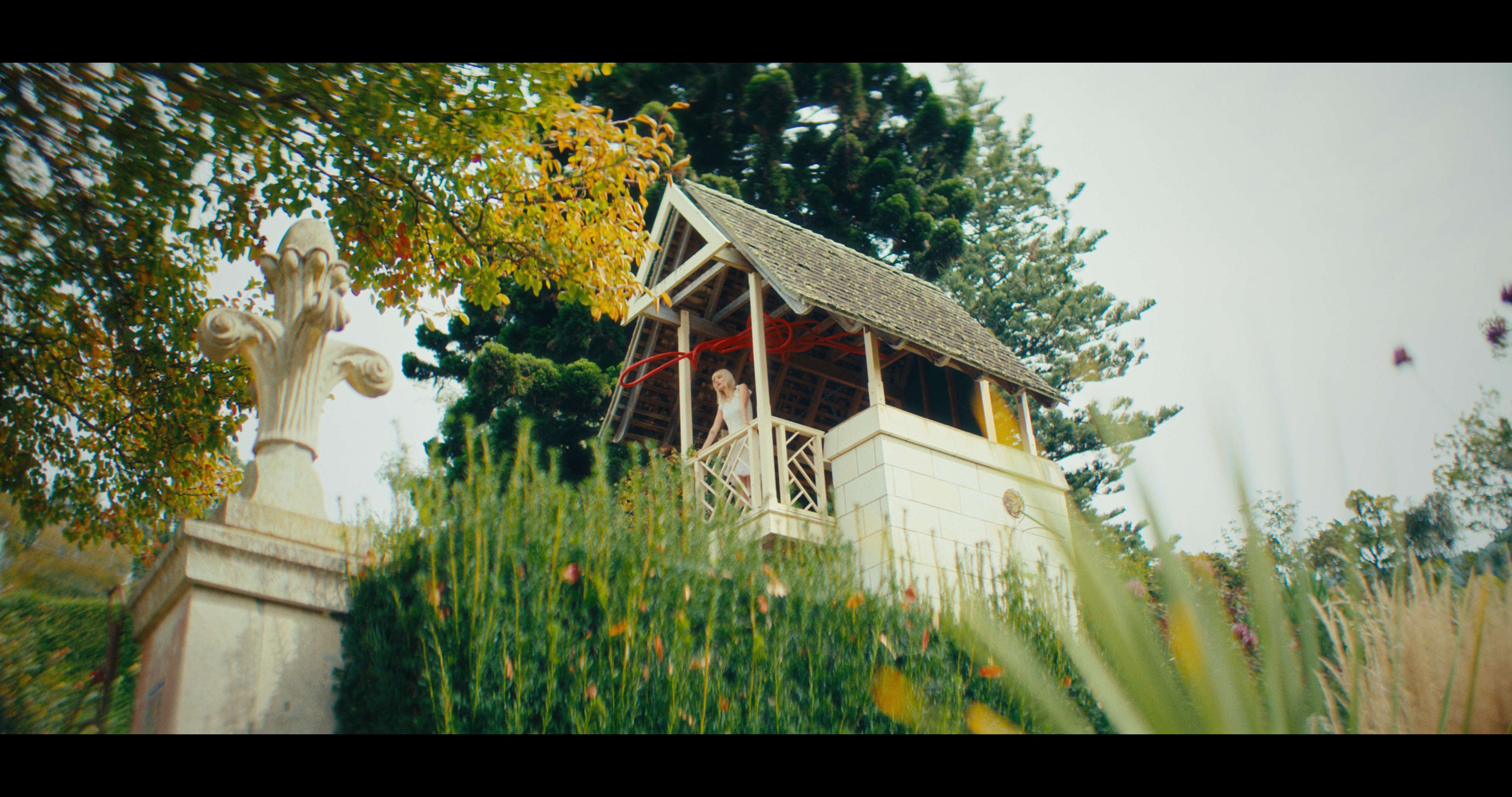

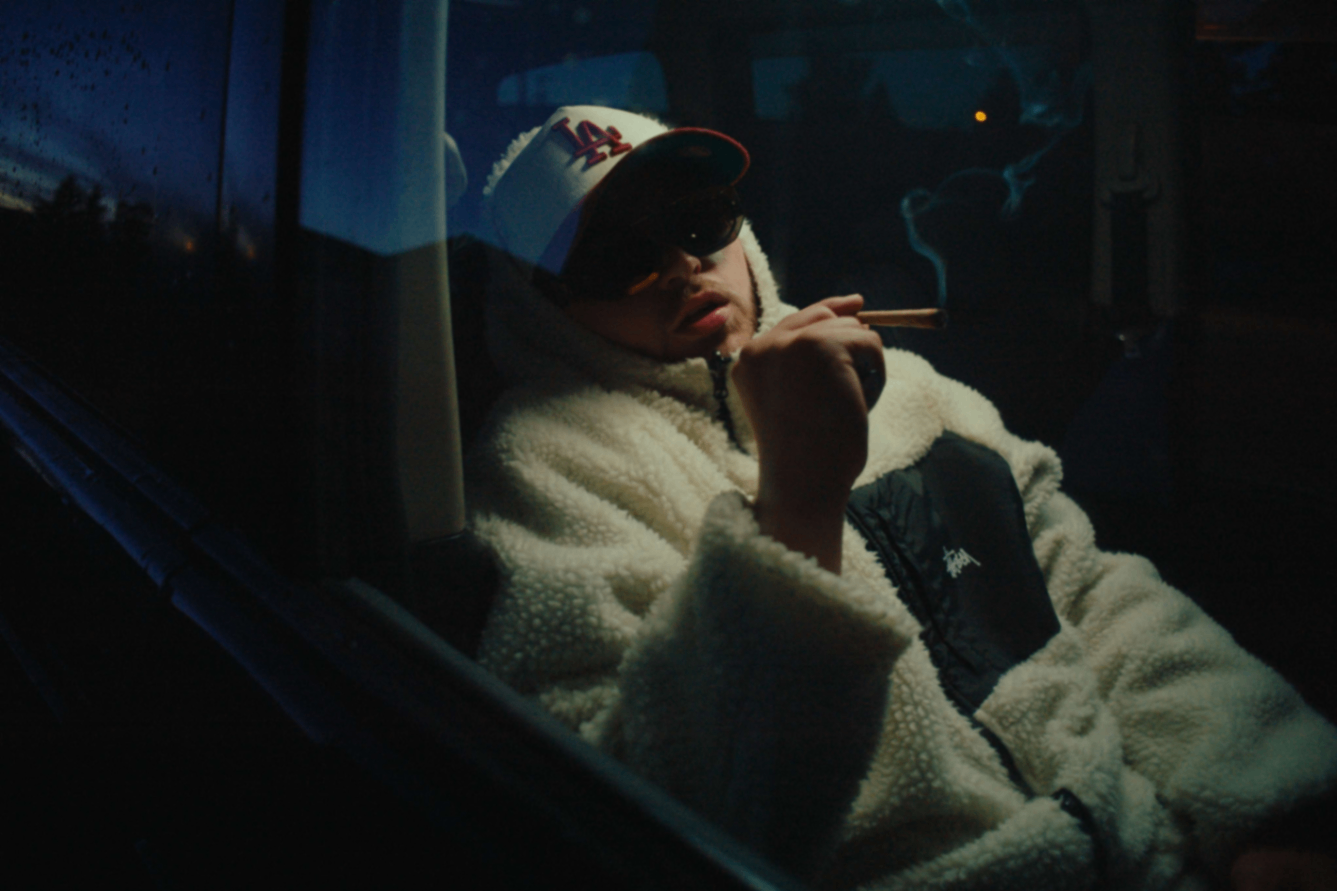
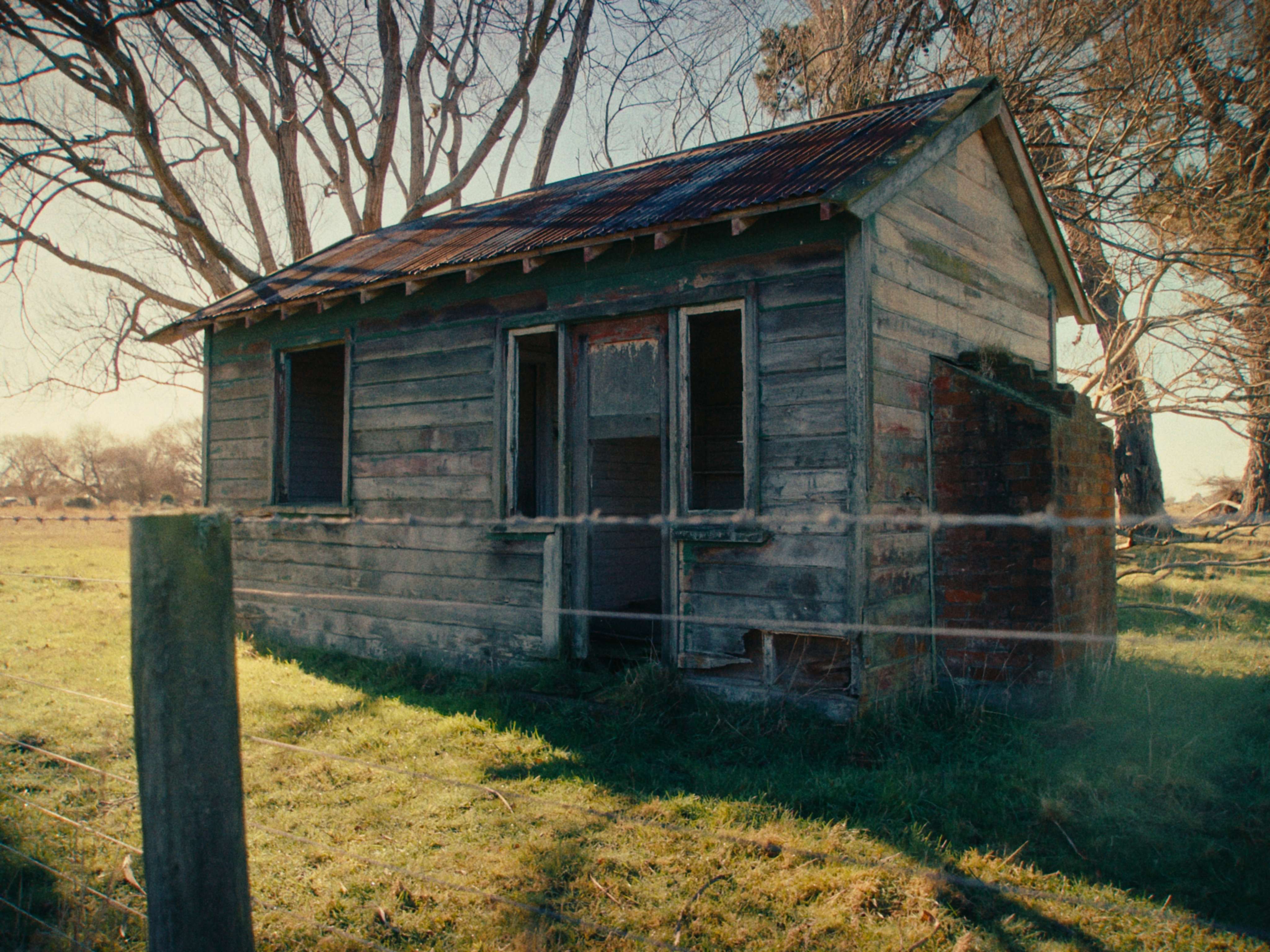
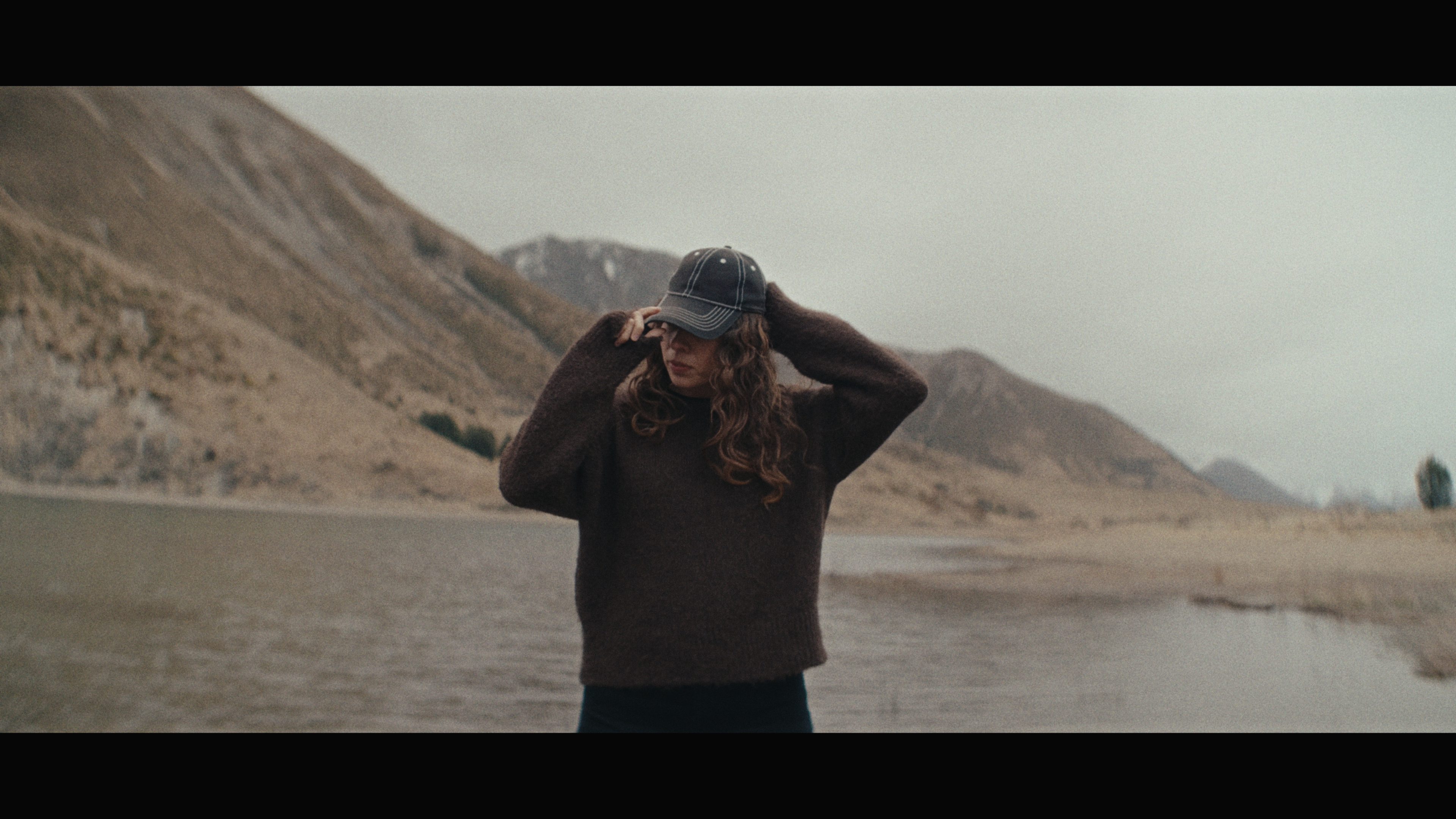
Keep it simple, or finish with your own grain, glow and texture.
LORE / COLOUR TOOLS
ADAM / PURPLE HOUSE
LORE LUTs
Five looks
From warm and golden to cool and muted. Five cinematic looks, with room to make each one your own flavor.
Choose the version for your camera settings, apply your look and take it from there.
Explore the pack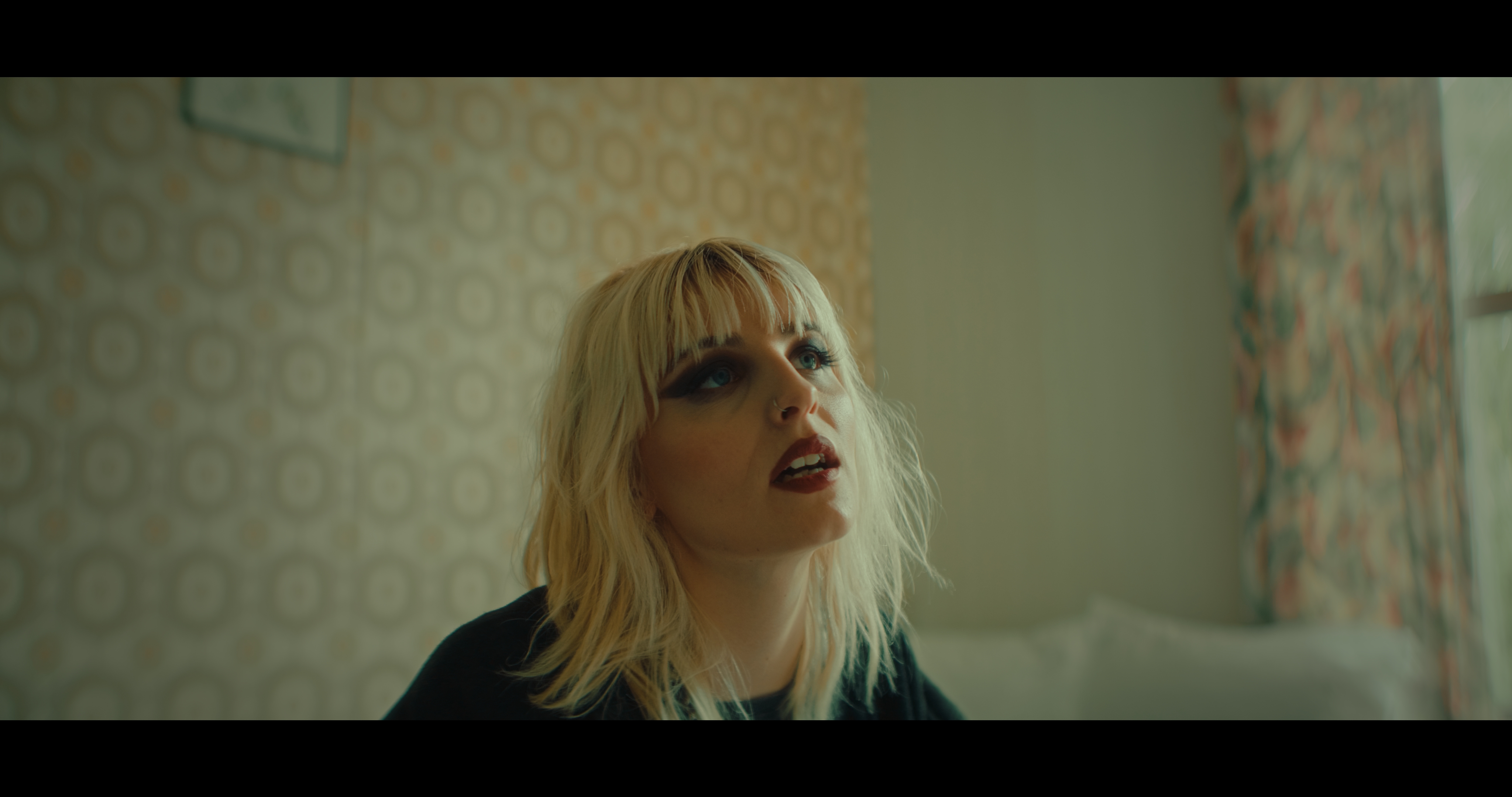
Comparison preview using Archive and Works imagery. Final Log and LORE frames will replace these images.
FIVE LOOKS
Choose
your look.
01
Neutral
The original look. Subtle and versatile.
02
Warmer
Golden warmth and sunlit tones.
03
Cooler
Cool tones with an atmospheric edge.
04
Washed
Lifted shadows. Softer colour and contrast.
05
Punchy
Rich colour with a little more weight.
PURPLE HOUSE
COLOUR / 01
LORE
LUTs
FIVE LOOKS.
ONE DOWNLOAD.
CAMERA VERSIONS
Short guide included
THE DIGITAL PACK
All five. One download.
Camera versions for Sony, Canon, Blackmagic, Fujifilm, Panasonic, Nikon, RED and supported iPhones.
Organised into folders, with a short guide included.
One-time purchase · NZD
Check your camera profileSEE THE DIFFERENCE
From Log to LORE.
ORIGINAL LOG FRAME
MATCHING FRAME WITH LORE
THE WORKFLOW
Choose. Apply. Make it yours.
Made for supported Log footage. Check your camera settings below.
COMPATIBILITY
Find
your profile.
Open LUTs and match both your Log setting and colour gamut. Camera examples are a reference; check your recording settings.
01
Sony
S-Log3 / S-Gamut3.CineFX3, FX30, A7 IV, A7S III using this pairing. Sony picture profiles can be customised.
02
Sony
S-Log3 / S-Gamut3Factory PP9 on A7 III / A7S II. Sony picture profiles can be customised.
03
Sony
S-Log2 / S-GamutFactory PP7 on A7 III / A7S II. Sony picture profiles can be customised.
04
Apple
Apple Log / Rec.2020Original Log, including iPhone 15 Pro / 16 Pro models. Match Log or Log 2 to your recording.
05
Apple
Apple Log 2 / Apple Wide GamutSupported newer Pro models when Log 2 is selected. Match Log or Log 2 to your recording.
06
Blackmagic
Film Gen 5 / Wide GamutPYXIS 6K and Pocket Cinema Cameras decoded to this pairing.
07
Canon
C-Log2 / Cinema GamutFor compatible Cinema EOS / EOS R cameras. Check both Log setting and gamut.
08
Canon
C-Log3 / Cinema GamutFor compatible Cinema EOS / EOS R cameras. Check both Log setting and gamut.
09
Canon
C-Log3 / Rec.2020For compatible Cinema EOS / EOS R cameras. Check both Log setting and gamut.
10
Canon
C-Log3 / Rec.709For compatible Cinema EOS / EOS R cameras. Check both Log setting and gamut.
11
Fujifilm
F-Log / F-GamutFor compatible X Series / GFX cameras. F-Gamut uses Rec.2020 primaries; F-Gamut C is different.
12
Fujifilm
F-Log2 / F-GamutFor compatible X Series / GFX cameras. F-Gamut uses Rec.2020 primaries; F-Gamut C is different.
13
Fujifilm
F-Log2 C / F-Gamut CFor compatible X Series / GFX cameras. F-Gamut C is different from F-Gamut.
14
Panasonic
V-Log / V-GamutLUMIX S5 II, S5 IIX and GH6 when recording V-Log.
15
Nikon
N-Log / Rec.2020Including Z6 III, Z8, Z9 and ZR footage using N-Log.
16
Nikon ZR / RED
Log3G10 / REDWideGamutRGBZR R3D NE and RED footage decoded to this pairing. ZR N-Log footage uses the Nikon folder above.
For RAW, decode to the matching gamut and gamma. The colour profile decides your LUT; the codec doesn’t. These LUTs take the listed Log inputs, rather than standard SDR, HDR/HLG or S-Cinetone footage.
A FEW THINGS TO KNOW
Before
you begin.
How many looks are included?
Five looks: Neutral, Warmer, Cooler, Washed and Punchy. Each comes in all 16 input profiles: 80 LUTs in total, supplied as 65-point .cube files.
Do I need to apply Neutral first?
Use one matching LUT per clip. Each file contains your chosen look and its Log conversion, so you do not need to apply Neutral underneath another look.
Do I need a separate conversion LUT?
Each LUT includes the look and Log-to-Rec.709 Gamma 2.4 conversion. Apply one matching LUT at 100%, without another Log conversion. For RAW, decode to the matching gamut and gamma first.
Does the LUT add grain or halation?
Try grain for texture, bloom/glow for softer highlights, or halation for a warm edge around bright areas. Add these separately; they aren’t baked into the LUTs. Keep whatever suits the shot.
Can I lower the LUT strength?
Reducing LUT strength blends back towards Log because the conversion is included. For a gentler result, try Washed or soften contrast afterwards.
How do I install LORE in DaVinci Resolve?
Project Settings → Color Management → Lookup Tables → Open LUT Folder. Copy in the LUTs folder, rename it LORE, then click Update Lists and Save. On the Color page: right-click a node → LUT → LORE → your profile → your look. Put exposure and white balance on an earlier node. Use an unmanaged DaVinci YRGB project for this setup.
How do I install LORE in Premiere Pro?
Lumetri Color → Basic Correction → Input LUT → Browse. Put exposure and white balance in a separate Lumetri effect earlier in the effect stack. Disable automatic Log conversion so the LUT receives the original Log image.